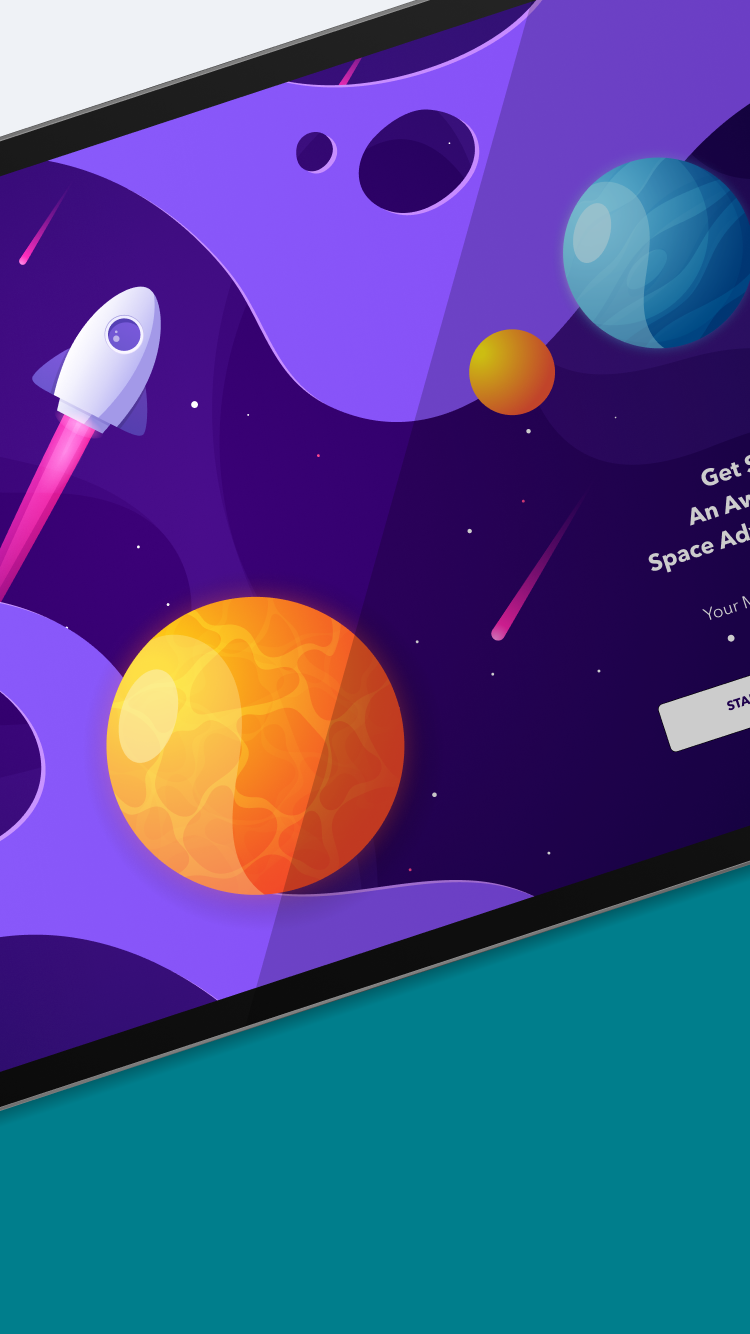
Designed for 7-10-year-olds, 'World of Wonder' transforms education into an exciting journey where choices ignite enthusiasm for understanding the world.
Through this interactive platform, students actively shape stories and craft alternative endings. This immersive experience imparts knowledge while nurturing essential metacognitive skills.
Tailored for curious minds, 'World of Wonder' leverages storytelling to create emotional connections and enhance retention.
Problems: Primary school kids aged 7-10 often encounter challenges in engaging with foundational subjects like reading, writing, and math. Traditional teaching methods may not always resonate with their diverse interests and learning styles. Some children may struggle to find these subjects fun and engaging, leading to a potential lack of enthusiasm and limited exploration of new topics such as science, social studies, and art.
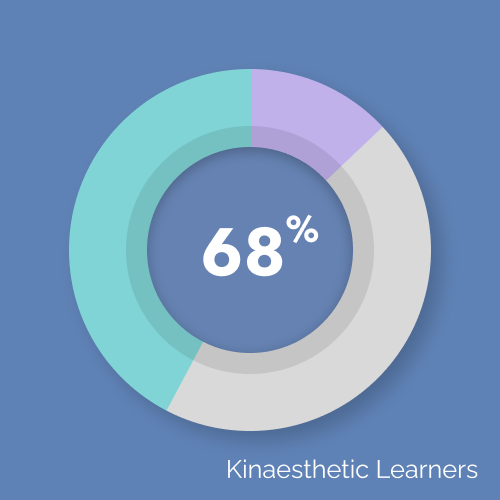
Solutions: 'World of Wonder' addresses these challenges by providing a dynamic platform tailored for 7-10-year-olds. This immersive experience imparts foundational knowledge and caters to different learning styles, accommodating visual learners and those who prefer hands-on activities. By leveraging the power of storytelling, 'World of Wonder' transforms education into an exciting journey, fostering enthusiasm for learning and exploration in diverse subjects.
Research
Visual design students, often visual learners, heavily rely on graphics for effective learning. Yet, in today's competitive job market, coding skills are crucial. The difficulty arises when these students must grasp non-visual conceptual content, leading to a challenging and unpleasant learning experience.
Target
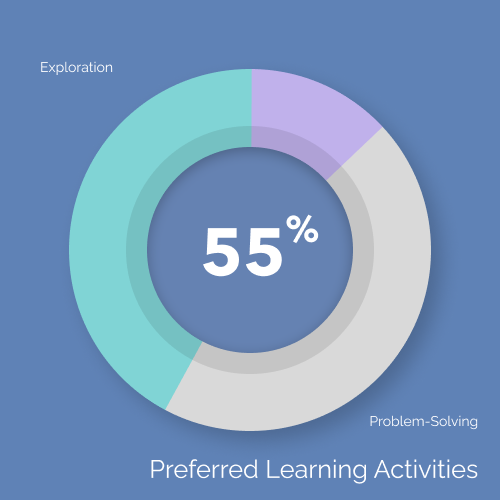
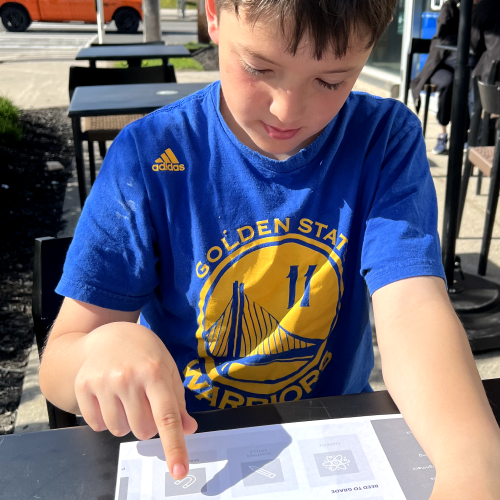
Primary Audience: Children aged 7-10 in primary school are eager to build foundational reading, writing, and math skills while exploring new subjects like science, social studies, and art. Seeking engaging learning experiences, some may benefit from support with non-traditional teaching methods, reflecting diverse interests and learning styles.
Secondary Audience: Dedicated professionals committed to their student's success seek flexibility in adapting lessons to diverse needs. They aim to provide an inclusive and tailored educational experience focusing on academic, social, and emotional growth.
Persona
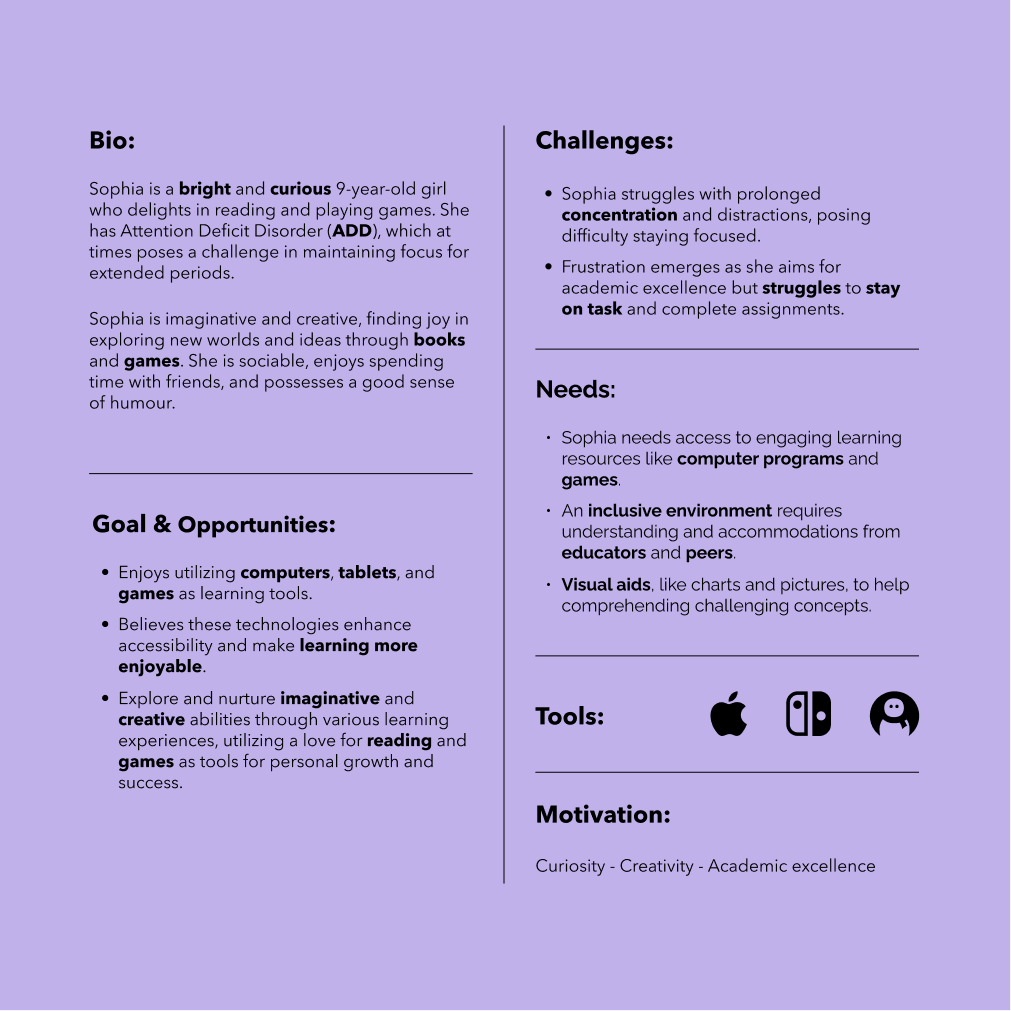
Meet Sophia, a vibrant 9-year-old with a love for reading and games, faces challenges with Attention Deficit Disorder (ADD), making prolonged focus difficult. Despite this, she remains imaginative and creative, exploring new worlds through books and games. Sociable and possessing a good sense of humour.
User Tasks
User Task Flow 1
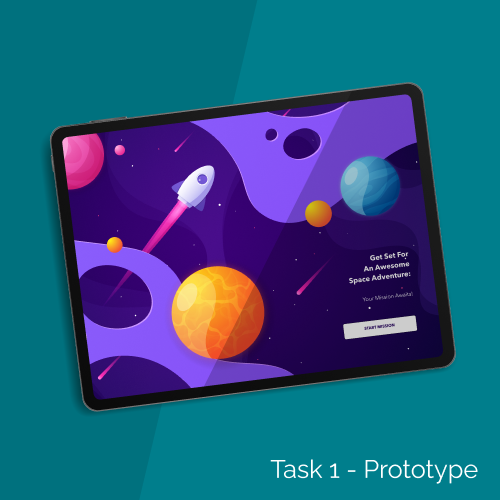
Sophie has set up her profile and is logged into the app. Today, she receives an assignment from Lisa, her teacher, to explore the wonders of the solar system.
User Task Flow 2
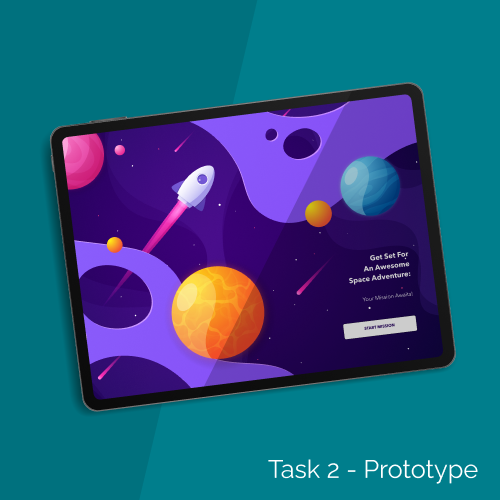
Lisa, logging into her teacher's account, aims to enhance her students' understanding of the solar system. She plans to assign an interactive "Solar System" experience to engage and enlighten her students on the concept.
User Task Flow 3
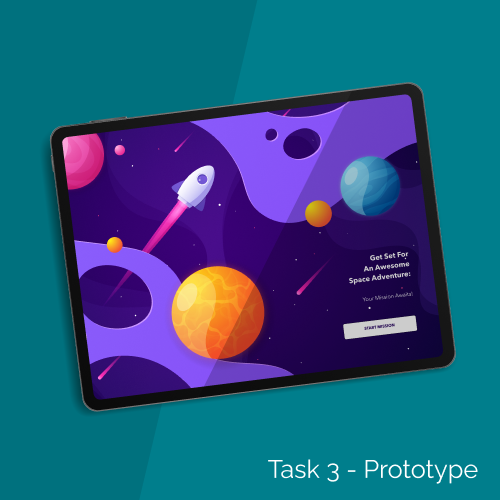
Lisa intends to monitor Brenan’s progress and offer feedback by accessing the app's progress reports.
User Testing
Visual design students, often visual learners, heavily rely on graphics for effective learning. Yet, in today's competitive job market, coding skills are crucial. The difficulty arises when these students must grasp non-visual conceptual content, leading to a challenging and unpleasant learning experience.
UI Design
A significant modification to the Task 1 user interface involves users engaging in a fill-in-the-gap game to reinforce acquired information upon completion.
UI Design
A new page is added, allowing users to select individual mini-experiences and preventing information overload for students.
UI Design
The experience page, now featuring descriptions and screenshots to enhance teachers' understanding of student encounters.
Style Guide
Explore the World of Wonder's Design Handbook - a guide to the visual components that shape our digital appearance, including typography, color schemes, UI elements, and icons.
Prototype
Experience the outcome of rigorous testing and user feedback. Explore prototypes that not only meet but surpass expectations, shaping the future of user-centric design.
Conclusion
The World of Wonders app offers an immersive and interactive learning experience that captivates students through compelling storytelling, thought-provoking challenges, and engaging assignments. It not only deepens subject knowledge but also cultivates creativity and decision-making skills, transforming education into an exciting and dynamic journey for learners.