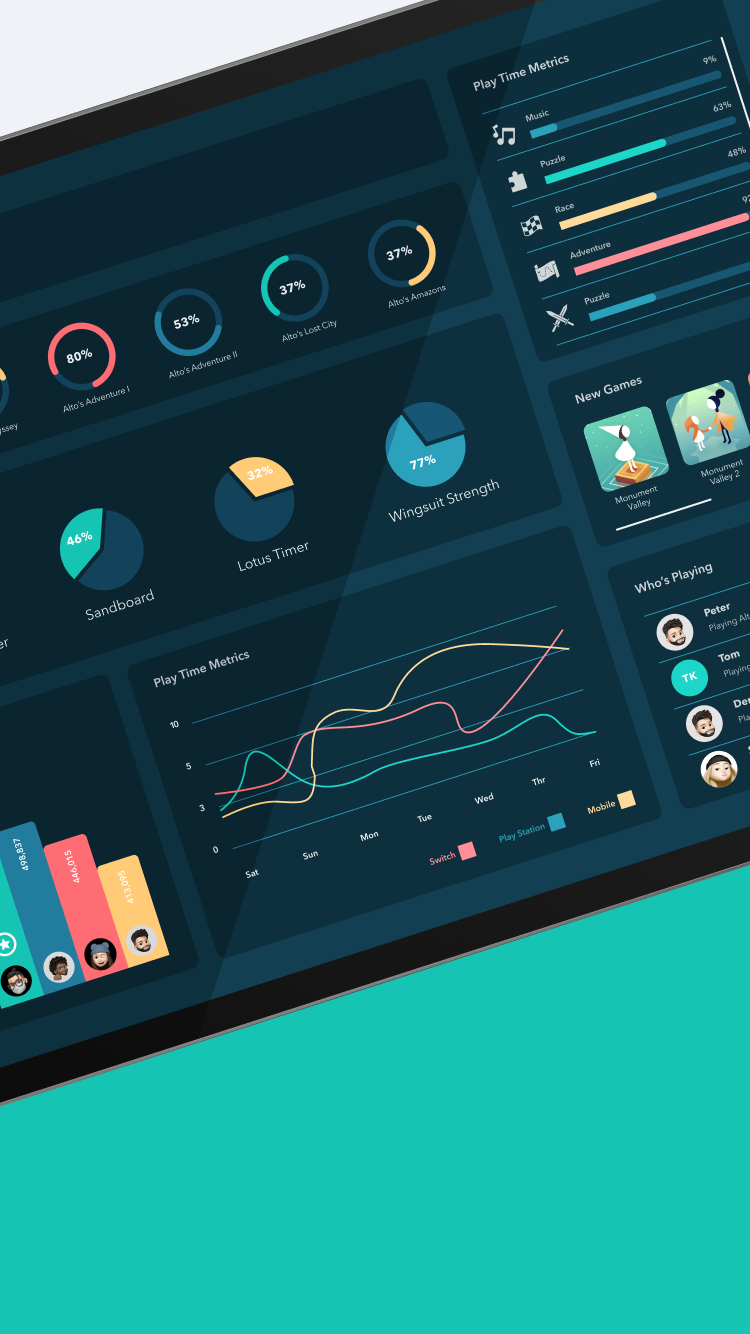
The Gaming Hub is a centralized dashboard for tracking and managing gaming across phones and computers. You can create a personalized profile, build a game library, and seamlessly monitor progress on both platforms. Update game statuses, track achievements, and connect with friends for a cohesive and social gaming experience.
Target: The Gaming Hub targets passionate gamers between 18 and 35 who play across computers and mobile devices. It's designed for those who seek a centralized platform to track game progress, achievements, and social interactions effortlessly.
Persona
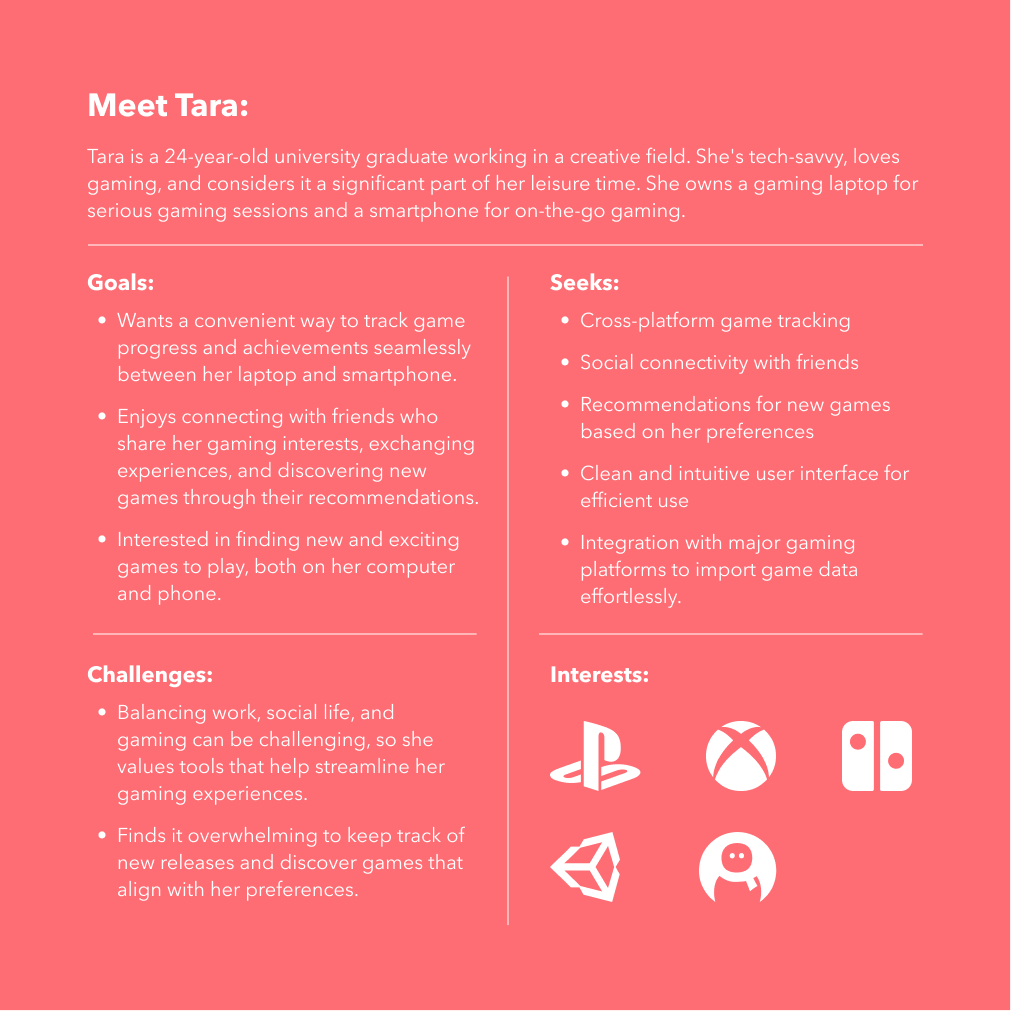
Tara is a 24-year-old university graduate working in a creative field. She's tech-savvy, loves gaming, and considers it a significant part of her leisure time. She owns a gaming laptop for serious gaming sessions and a smartphone for on-the-go gaming.
User Tasks
User Task Flow
A first-time user, Lora, has just downloaded the application and is now planning to sign up.
Her goal is to connect all her gaming accounts to the Game Hub, providing her with a centralized platform to view and manage the statuses of all her games effortlessly.
User Testing
Visual design students, often visual learners, heavily rely on graphics for effective learning. Yet, in today's competitive job market, coding skills are crucial. The difficulty arises when these students must grasp non-visual conceptual content, leading to a challenging and unpleasant learning experience.
AESTHETICS
The app's color has been updated with a dark background, catering to gamers' preference for its familiarity and appeal.
AESTHETICS
The app's color has been updated with a dark background, catering to gamers' preference for its familiarity and appeal.
Style Guide
Game Hub Style Handbook — a guide to the visual elements defining our digital aesthetic. Explore fonts, colors, UI elements, and icons, all shaping the design principles that define our brand.
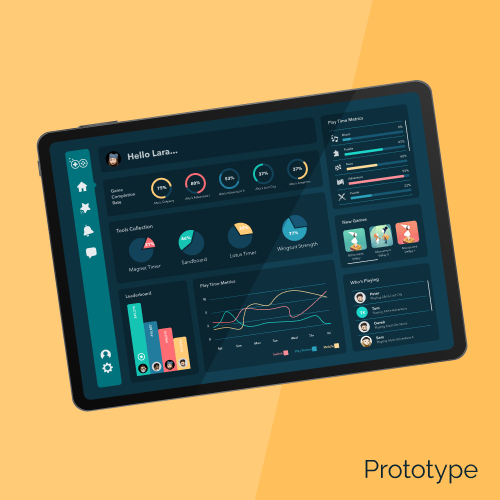
Prototype
Experience the outcome of rigorous testing and user feedback. Explore prototypes that not only meet but surpass expectations, shaping the future of user-centric design.
Conclusion
To sum up, the Gaming Hub is designed to optimize and elevate the gaming experience, offering users a streamlined, intuitive platform to manage and track their progress across multiple devices. With a refined layout, enhanced game info display, and exciting new features like leaderboards, genre filters, and an extensive tool collection, the Gaming Hub creates a more immersive and socially engaging space for gamers. These updates not only address user feedback but also enhance the overall experience, ensuring a vibrant and dynamic journey for all users.